Codes
Build with Blocks Roblox codes list with redemption steps, reward notes, and tips to spot expired or fake promo strings.
View all CodesRoblox codes, plot guides, and block tips for Goober Labs' sandbox.
Unofficial Build with Blocks Roblox wiki for plot building, mining, codes, tier lists, and weekly Goober Labs updates.
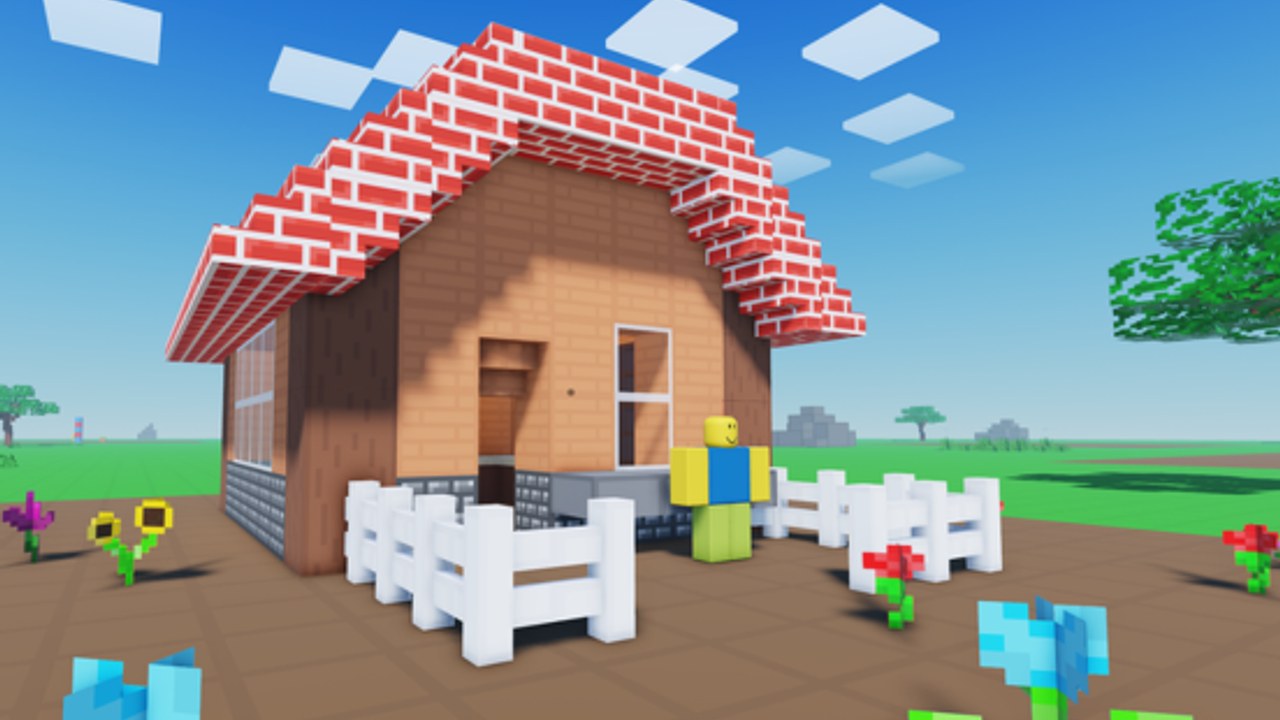
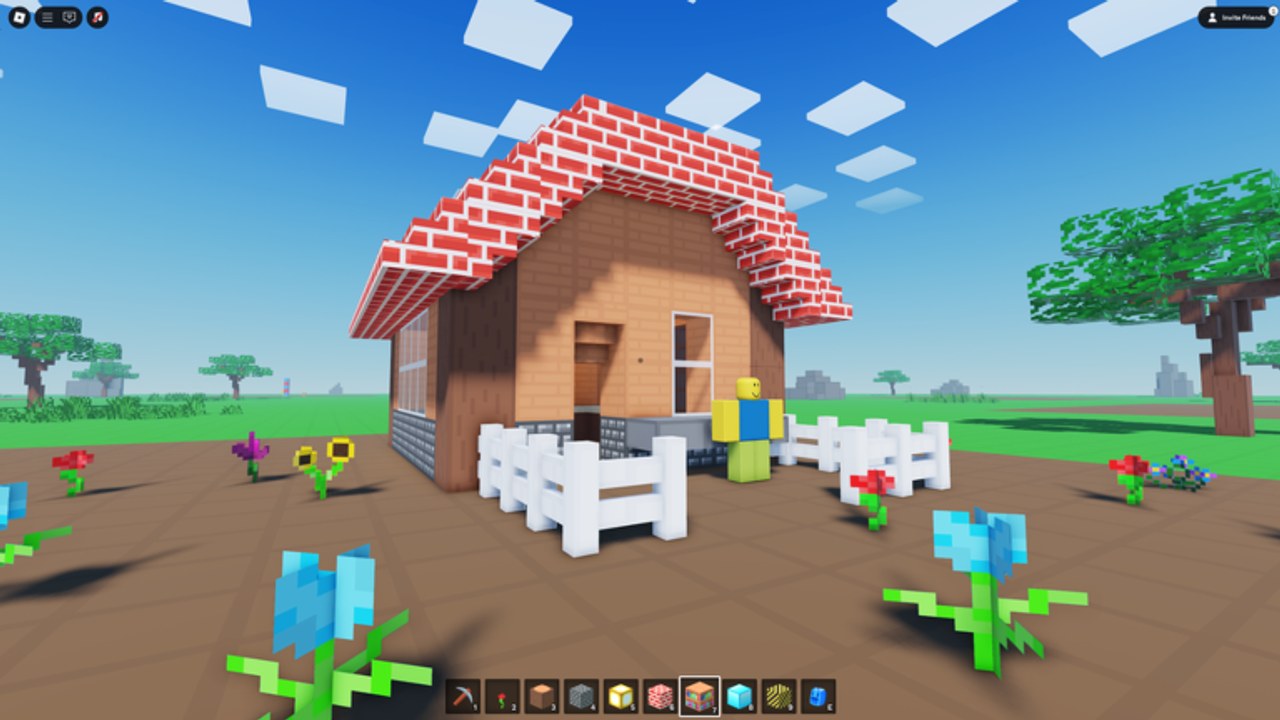
Build with Blocks is a free Roblox Simulation sandbox by Goober Labs. Claim a personal plot, open your inventory, place blocks, and reshape mistakes with a pickaxe. Servers hold up to eight players—perfect for chill building and light roleplay. Start with the beginner guide, redeem codes, study the tier list, and track updates as weekly blocks and doors roll out.
Build with Blocks Roblox codes list with redemption steps, reward notes, and tips to spot expired or fake promo strings.
View all CodesBuild with Blocks Roblox guides hub covering getting started, building, mining, mobile play, plot saves, ideas, plus key controls.
View all GuidesBuild with Blocks block tier list for Roblox: best structural materials, accents, and utility picks for your plot.
View all Tier ListBuild with Blocks players hub on Roblox: roleplay etiquette, friend sessions, griefing reports, and community tips.
View all PlayersBuild with Blocks Roblox updates hub for weekly drops, doors roadmap, Voxel Block Builder compare, and calm post-patch player habits.
View all UpdatesBuild with Blocks Roblox scripts hub with safety rules, executor risks, and what public boards list for this sandbox.
View all ScriptsOfficial Build with Blocks Roblox links hub with game page, Goober Labs group, sister titles, guides, codes, and wiki destinations.
View all LinksOpen [Build with Blocks](https://www.roblox.com/games/78287218060484/Build-with-Blocks) (place 78287218060484), favorite it, and load your personal plot.
Follow Getting Started and How to Build: open inventory, select a block, click or tap to place a clean pad. Phone players can keep Mobile Play open.
Equip the pickaxe with help from How to Mine and Controls so crooked walls become reusable materials.
Check the tier list before big accents, redeem anything on Codes, skim Updates, and steal a theme from Build Ideas.
Servers hold eight players—use Players and Roleplay Tips to host cafés and houses without griefing drama.
Quick answers for Build with Blocks players.
A free Roblox sandbox by Goober Labs where you build on a personal plot with placeable blocks and a pickaxe. Read the game overview to begin.
See the live list on Codes. When none are verified, we keep the page honest and update as soon as Goober Labs posts new strings.
Equip the pickaxe and mine it. The full workflow is in How to Mine.
This wiki is available in: English, Français, Deutsch, Español, Português (BR). Use the language switcher in the header to change locales.
No. It is a fan resource. Confirm announcements via the Roblox experience page and the Goober Labs group linked from the Links Hub.
Doors already shipped on Voxel Block Builder and were announced as coming to Build with Blocks—track progress on the Doors Update page.
Browse Build Ideas for cottages, cafés, towers, and session recipes.
Use the rejoin checklist on Plot Saves before rebuilding.
From first placements to mining clean doorways, our guides cover the full loop. Start with the beginner guide or jump into codes and the tier list.
Start with the beginner guide